
In This Article
The Migration Paradox
Managing thousands of customers while maintaining personalized service—this is the challenge keeping business leaders awake at night. Unlike purely transactional businesses, customer-centric organizations build long-term relationships that drive repeat business, referrals, and sustainable growth.
Here's the uncomfortable truth about legacy system migration in financial services: the systems you most need to replace are often the ones you can least afford to disrupt.
That mainframe running your core banking operations? It processed $47 million in transactions yesterday. The client database from 2008? It holds 15 years of relationship history that advisors rely on daily. The compliance system that's technically "end of life"? Auditors still need it for regulatory reporting.
Migration isn't just a technical challenge—it's a business continuity puzzle wrapped in a compliance requirement.
Yet migration is increasingly unavoidable. As we discussed yesterday, 81% of banks identify legacy integration as a key blocker to modernization. The question isn't whether to migrate, but how to do it without the horror stories that make executives break into cold sweats.
Why "Big Bang" Migrations Fail
The traditional approach to migration—freeze operations, move everything at once, flip the switch—sounds efficient in theory. In practice, it's a recipe for disaster.
Big bang migrations fail because they compress all risk into a single window where everything must work perfectly, leave no fallback position when (not if) something goes wrong, force users to adapt to entirely new systems overnight, create data validation nightmares that take months to unwind, and assume perfect project planning—an assumption that never survives contact with reality.
Financial services cannot afford the tolerance for failure that big bang approaches require. When you're dealing with client assets, regulatory obligations, and fiduciary responsibilities, "we'll fix it in post" isn't an acceptable strategy.
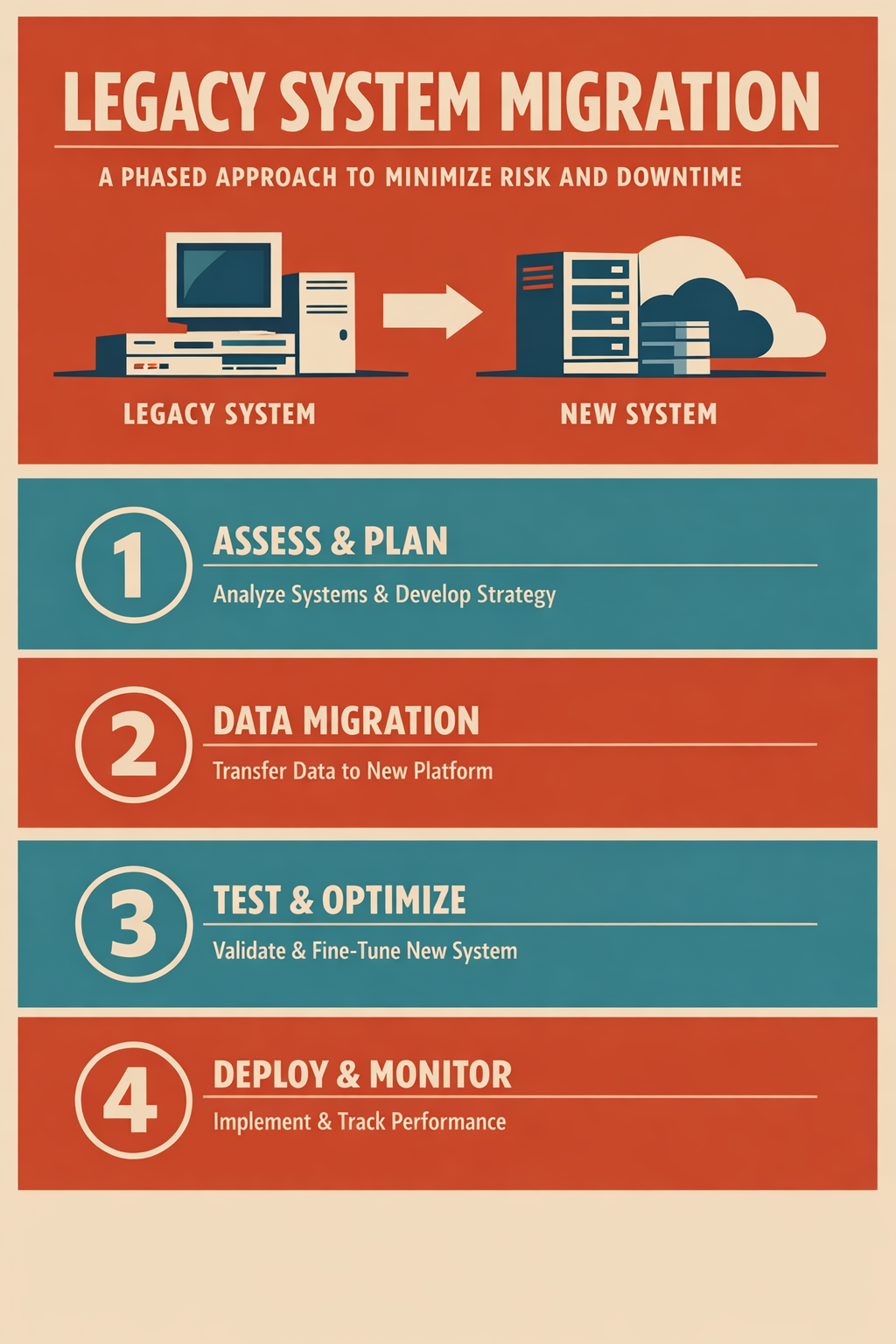
The Phased Migration Framework
Modern best practices emphasize incremental migration with continuous validation. This approach trades speed for safety—a tradeoff that makes sense when the downside of failure includes regulatory action, client harm, or reputational damage.
Phase 1: Discovery and Assessment (Weeks 1-4)
Before moving anything, you need to understand what you actually have.
Data Archaeology
Map every data source, including the ones "nobody uses anymore" (they do). Document data relationships, dependencies, and transformation rules. Identify data quality issues that must be resolved before migration. Catalog integration points with other systems.
Business Process Mapping
Understand how data flows through actual workflows, not just documented ones. Identify which processes depend on specific data elements. Document timing dependencies (batch processing windows, reporting cycles). Interview users who know the workarounds the documentation doesn't mention.
Risk Assessment
Categorize data by regulatory sensitivity and business criticality. Identify single points of failure in current architecture. Document rollback requirements and acceptable downtime windows. Establish success criteria for each migration phase.
Phase 2: Parallel Infrastructure (Weeks 5-8)
Don't replace your legacy systems—surround them.
Build the Target Environment
Deploy target systems alongside (not in place of) legacy systems. Configure integration middleware to handle dual-system operations. Establish data synchronization between old and new environments. Create monitoring to track discrepancies between systems.
Initial Data Seeding
Copy historical data to the new environment. Run validation scripts to confirm data integrity. Resolve mapping issues and transformation errors. Document exceptions and develop remediation plans.
Phase 3: Parallel Operations (Weeks 9-16)
This is where phased migration earns its keep.
Run Both Systems Simultaneously
Continue production operations on legacy systems. Mirror transactions to the new environment. Compare results between systems to identify discrepancies. Train users on new systems while they continue using familiar tools.
Continuous Validation
Automated reconciliation between old and new data. Regular reporting on synchronization accuracy. Exception handling processes for discrepancies. User acceptance testing with real business scenarios.
Iterative Migration
Move low-risk data first (reference data, non-transactional records). Progress to higher-risk categories as confidence builds. Maintain rollback capability at each stage. Document lessons learned for subsequent phases.
Phase 4: Cutover and Stabilization (Weeks 17-20)
Only when parallel operations prove reliable should you proceed.
Phased Cutover
Switch user-facing operations to new systems by department or function. Keep legacy systems available for comparison and rollback. Implement enhanced monitoring during transition period. Establish rapid response protocols for issues.
Post-Migration Support
Dedicated support for users adapting to new workflows. Data validation continues for 60-90 days post-cutover. Documentation of any required data corrections. Performance optimization based on production usage patterns.
Critical Success Factors
Data Quality Is Non-Negotiable
Migrating bad data just moves your problems to a new address. Before migration, invest in deduplication of client records, standardization of data formats, resolution of conflicting records across systems, and validation of data against business rules.
Organizations that skip data quality find themselves spending more time fixing problems post-migration than they saved by rushing through preparation.
Business Continuity Must Be Protected
Every migration plan needs answers to these questions: What's the maximum acceptable downtime for each system? How long can we operate on legacy systems if the new system fails? What manual processes can we implement as a bridge? Who makes the call to roll back, and under what criteria?
Users Need to Come Along
Technical success means nothing if users refuse to adopt the new systems. Involve end users in requirements gathering and testing. Provide training before, during, and after migration. Create feedback channels for issues and suggestions. Celebrate milestones and acknowledge the difficulty of change.
Real-World Migration Mistakes to Avoid
Underestimating Data Complexity
"We'll just export and import" sounds simple until you discover that client names are stored differently in five systems, account numbers have inconsistent formats, and nobody documented the custom fields that were added in 2012.
Ignoring the "Shadow Systems"
That Excel spreadsheet one advisor uses to track client birthdays? It's connected to nothing, documented nowhere, and absolutely critical to how they do their job. Find these before they find you.
Testing Only Happy Paths
Production data is messy. Test with real data volumes, edge cases, and error conditions—not idealized datasets that make everything look clean.
Declaring Victory Too Early
The cutover isn't the finish line. Plan for 90 days of intensive support and validation. Problems often surface weeks after migration when specific business processes run for the first time.
The Investment Case
Migration projects require significant investment, but the cost of not migrating grows every year. Maintenance costs for legacy systems increase 15-20% annually. Integration costs multiply as you add new systems around old ones. Talent who can maintain aging platforms becomes scarcer and more expensive. Compliance risk increases as legacy systems fall further from current standards.
The right question isn't "can we afford to migrate?" It's "can we afford not to?"
Facing a migration project? Vantage Point's team has guided dozens of financial services firms through successful legacy modernization. Contact us to discuss your situation.
Next in Series: Salesforce Financial Services Cloud: Building the 360-Degree Client View →
About Vantage Point
Vantage Point specializes in helping financial institutions design and implement client experience transformation programs using Salesforce Financial Services Cloud. Our team combines deep Salesforce expertise with financial services industry knowledge to deliver measurable improvements in client satisfaction, operational efficiency, and business results.