
In This Article
A Step-by-Step Guide to Preparing Your HubSpot CRM for AI Agents and Assistants
Rolling out a major CRM update is one of the highest-risk, highest-reward activities in RevOps. Get it right, and you accelerate pipeline velocity. Get it wrong, and you create months of adoption friction and data chaos.
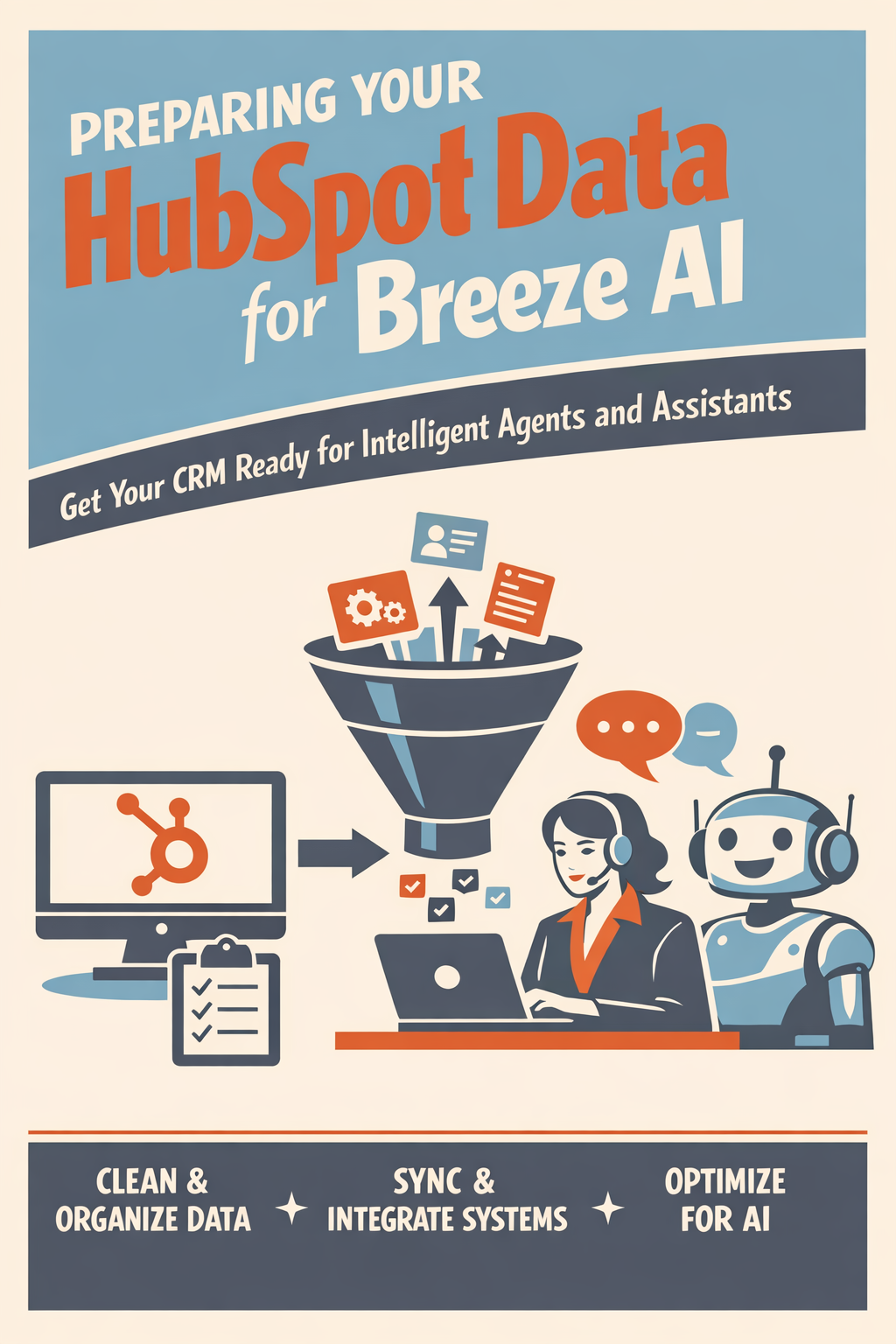
HubSpot's Breeze AI platform transforms how financial advisors engage with clients—but only if your data is ready. Today we connect everything you've learned to prepare your CRM for HubSpot's most powerful AI capabilities.
What Is Breeze AI?
Breeze AI is HubSpot's artificial intelligence platform, launched at INBOUND 2025. It includes four key components:
- Breeze Agents: Autonomous AI workers that complete tasks independently
- Breeze Assistant: An AI companion for everyday tasks
- Breeze Copilot: AI embedded throughout HubSpot's interface
- Custom Assistants: Specialized AI experts you create for specific needs
Breeze Agents for Financial Services
HubSpot offers over 15 Breeze Agents. Here are the key agents for financial services:
Customer Agent
- Answers questions, resolves issues, and identifies opportunities
- Requires complete contact records and interaction history
Prospecting Agent
- Monitors buying signals, researches accounts, and personalizes outreach
- Needs company data and segmentation properties
Data Agent
- Researches and answers custom questions about customers
- Depends on clean, comprehensive CRM data
Content Agent
- Creates marketing content based on your data
- Utilizes audience segments and content history
Breeze Assistant
Breeze Assistant works alongside you throughout HubSpot, offering web search capability, memory of past interactions, file upload and analysis, and connections to Google Workspace, Slack, and more.
Key Insight: Every Breeze capability depends on data quality. An AI agent with incomplete data produces incomplete results. An AI agent with incorrect data produces confident mistakes.
What Data Does Breeze AI Need?
Core Data Requirements
For Breeze AI to perform effectively, your CRM needs:
Complete Contact Records
- Full name (First and Last)
- Email address (verified)
- Company association
- Job title/Role
- Lifecycle stage
- Owner assignment
Complete Company Records
- Company name
- Industry classification
- Company size/Revenue
- Website URL
- Description
Activity History
- Email interactions
- Meeting records
- Call logs
- Notes and tasks
Segmentation Properties
- Lead source
- Product interests
- Customer type
- Engagement scoring
Financial Services-Specific Data
For Breeze to understand your financial services context, you'll need:
- AUM/Account Size: Personalize messaging by client tier
- Service Type: Recommend relevant content and next actions
- Firm Type: Adjust communication style and topics
- Relationship Tenure: Maintain appropriate context in interactions
- Life Events: Trigger proactive outreach (retirement, inheritance, etc.)
How Do I Assess Breeze Readiness?
The Breeze Readiness Checklist
Score your readiness on each dimension:
Contact Completeness (25 points)
- Email fill rate > 95%: 10 points
- Job title fill rate > 60%: 5 points
- Company association > 80%: 5 points
- Lifecycle stage > 90%: 5 points
Company Completeness (25 points)
- Industry classified > 70%: 10 points
- Revenue/size data > 50%: 5 points
- Description present > 40%: 5 points
- Website > 90%: 5 points
Data Quality (25 points)
- Duplicates < 2%: 10 points
- Formatting issues < 100: 10 points
- No critical property issues: 5 points
Activity Data (25 points)
- Email tracking enabled: 10 points
- Meeting integration active: 5 points
- Regular activity logging: 10 points
Total Score Interpretation:
- 90-100: Breeze Ready
- 70-89: Minor preparation needed
- 50-69: Moderate work required
- Below 50: Significant preparation needed
How Do I Prepare Data for Specific Breeze Agents?
Preparing for Customer Agent
The Customer Agent answers questions, resolves issues, and turns conversations into opportunities.
Data requirements:
- Complete contact profiles with interaction history
- Knowledge base content in HubSpot
- Clear lifecycle stage assignments
- Accurate owner assignments for routing
Preparation steps:
- Ensure all contacts have complete profiles
- Build knowledge base articles for common questions
- Tag contacts with relevant product/service interests
- Configure ticket creation and routing rules
Preparing for Prospecting Agent
The Prospecting Agent monitors prospects, researches accounts, and personalizes outreach.
Data requirements:
- Ideal Customer Profile (ICP) defined in properties
- Company records with industry, size, and firmographic data
- Target account lists and segments
- Email templates and sequences
Preparation steps:
- Define ICP criteria in company properties
- Segment target accounts by tier
- Ensure company records have enriched data
- Create email templates for agent to personalize
Preparing for Data Agent
The Data Agent researches and answers custom questions about your customers.
Data requirements:
- Comprehensive CRM data across all objects
- Custom properties specific to your business
- Historical data for trend analysis
- Clean, consistent data formats
Preparation steps:
- Complete all core data preparation from this series
- Add financial services-specific properties
- Ensure historical data is accurate and accessible
- Document property meanings for accurate interpretation
What Properties Should I Create for Breeze AI?
Recommended Custom Properties for Financial Services
Contact Properties:
- AUM_Tier (Dropdown): Client segmentation for personalization
- Client_Since (Date): Relationship context
- Primary_Service (Dropdown): Content and offer relevance
- Life_Stage (Dropdown): Lifecycle-based messaging
- Communication_Preference (Dropdown): Channel preference for outreach
- Advisor_Relationship (Contact association): Household linking
Company Properties:
- Firm_Type (Dropdown): RIA, BD, Bank, Insurance, Other
- Custodian (Dropdown): Integration and service context
- Tech_Stack (Multiple checkbox): Technology for relevant offers
- Compliance_Needs (Multiple checkbox): Regulatory focus areas
Property Configuration Best Practices
For Breeze to understand your properties:
- Use clear property names: "AUM_Tier" not "Field_42"
- Add descriptions: Explain what the property means
- Use consistent values: Standardize dropdown options
- Required vs. optional: Mark truly required fields as such
- Group logically: Organize in property groups for clarity
How Do I Configure Breeze for Financial Services?
Breeze Settings to Review
Navigate to Settings > AI > Breeze and configure:
General Settings:
- Enable Breeze across your account
- Set data sharing preferences
- Configure language settings
Agent-Specific Settings:
- Customer Agent: Knowledge base scope, escalation rules
- Prospecting Agent: ICP parameters, email approvals
- Content Agent: Brand voice, compliance guardrails
Compliance Considerations for Breeze
Financial services firms should address:
Data usage:
- Review what data Breeze accesses
- Ensure no PII sharing beyond HubSpot
- Document AI usage for compliance records
Content generation:
- Require human review for all client communications
- Implement approval workflows for AI-generated content
- Add compliance disclaimers to appropriate content
Record keeping:
- Maintain logs of AI-generated interactions
- Document decisions made with AI assistance
- Prepare for regulatory inquiries about AI usage
How Do I Test Breeze Before Full Deployment?
Phased Rollout Approach
Phase 1: Internal Testing (Week 1-2)
- Enable Breeze for admin users only
- Test with internal contacts/test accounts
- Validate data quality impact on output quality
Phase 2: Limited Pilot (Week 3-4)
- Enable for 2-3 power users
- Apply to specific segments (non-client prospects)
- Gather feedback on accuracy and usefulness
Phase 3: Expanded Pilot (Week 5-6)
- Expand to full sales/marketing team
- Broader segment application
- Refine based on learnings
Phase 4: Full Deployment (Week 7+)
- Enable across organization
- Implement monitoring and feedback loops
- Continuous improvement based on results
What to Monitor During Rollout
Track these metrics:
- AI response accuracy: Target 90%+ (if below, review data quality and add context)
- User adoption: Target 60%+ by month 2 (if below, provide additional training and use case demos)
- Time saved per user: Target 2+ hours/week (if below, identify friction points)
- Lead quality from Prospecting Agent: Should match or exceed manual efforts (if below, refine ICP parameters)
Frequently Asked Questions
Can Breeze see all my CRM data?
Breeze can access data you've configured it to access. Review settings to understand scope. For financial services, ensure sensitive client financial data has appropriate access controls.
What if Breeze generates inaccurate information?
AI can make mistakes. Implement review processes for all client-facing content. Use Breeze output as a starting point, not final product. Report accuracy issues to improve over time.
Does using Breeze create compliance risk?
Potentially, if not managed properly. Document your AI usage policies, maintain human oversight, and ensure all AI-generated content receives appropriate review before client distribution.
How long does it take to see results from Breeze?
With good data quality:
- Immediate value from Breeze Assistant
- 2-4 weeks for agent optimization
- 1-2 months for measurable efficiency gains
With poor data quality:
- Limited immediate value
- Frustration and low adoption
- Garbage in, garbage out
Your Day 6 Action Items
- Complete the Breeze Readiness Checklist and calculate your score
- Review recommended custom properties and create any you're missing
- Navigate to Breeze settings and review configuration options
- Plan your phased rollout approach
- Draft compliance guidelines for AI usage at your firm
What's Next?
Tomorrow (Day 7): We conclude with building your Data Quality Governance Framework—the long-term strategies and processes that maintain data quality excellence and ensure your AI investment continues to deliver returns.
Ready to Deploy Breeze AI?
Vantage Point helps financial services firms implement HubSpot's Breeze AI with:
- Data readiness assessments
- Custom property configuration
- Compliance framework development
- Phased rollout management
- Team training and adoption support
About Vantage Point
Vantage Point specializes in helping financial institutions design and implement client experience transformation programs using Salesforce Financial Services Cloud. Our team combines deep Salesforce expertise with financial services industry knowledge to deliver measurable improvements in client satisfaction, operational efficiency, and business results.
About the Author
David Cockrum is the founder of Vantage Point and a former COO in the financial services industry. Having navigated complex CRM transformations from both operational and technology perspectives, David brings unique insights into the decision-making, stakeholder management, and execution challenges that financial services firms face during migration.
-
-
- Email: [email protected]
- Phone: (469) 652-7923
- Website: vantagepoint.io
-
About Tierney Burklow
Expert consultant at Vantage Point, specializing in CRM implementations and digital transformation for financial services.